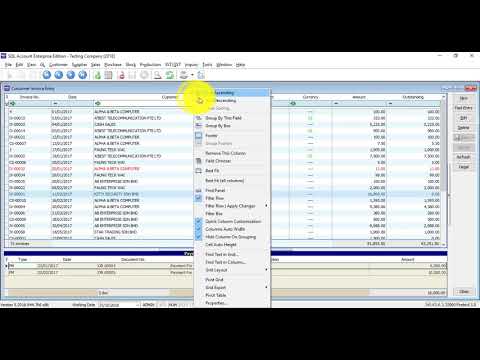
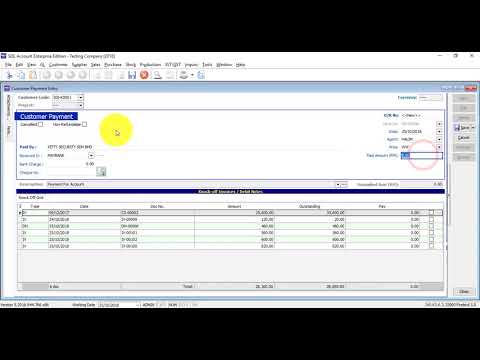
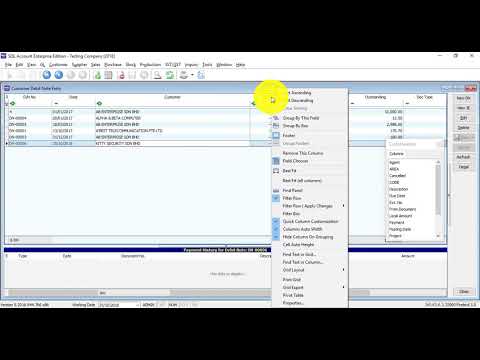
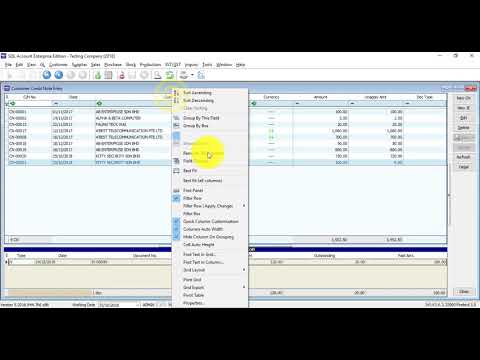
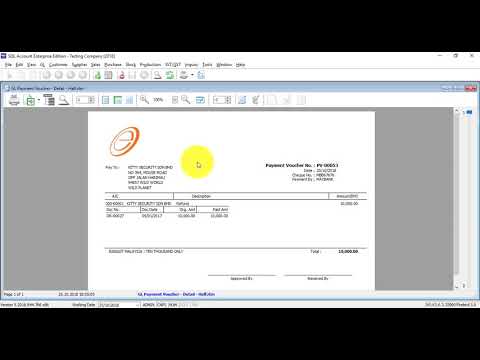
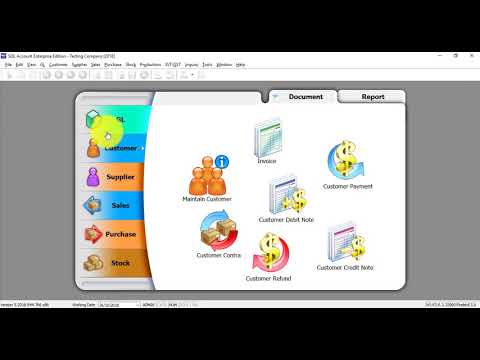
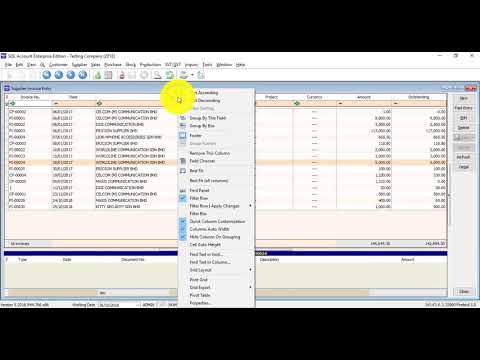
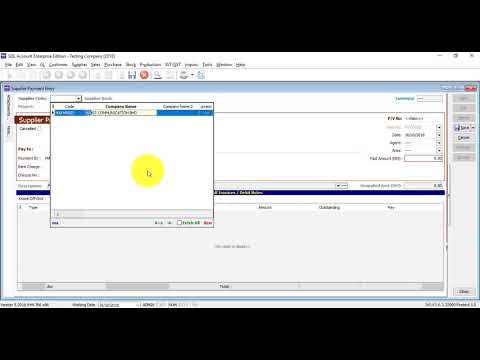
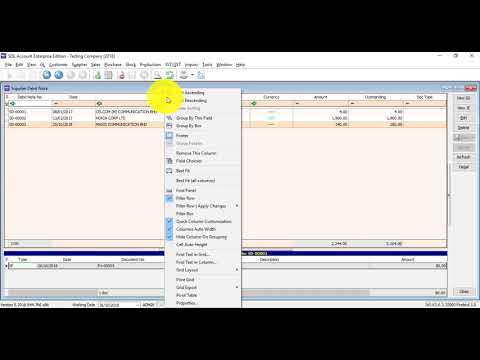
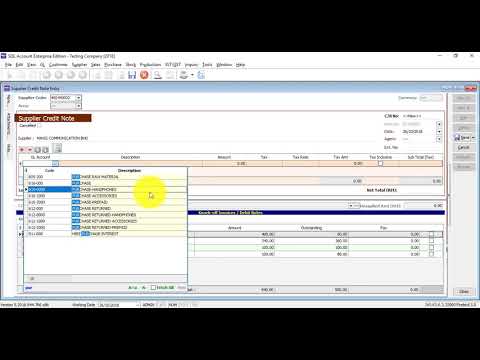
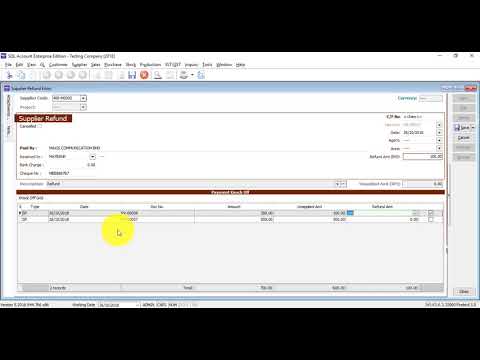
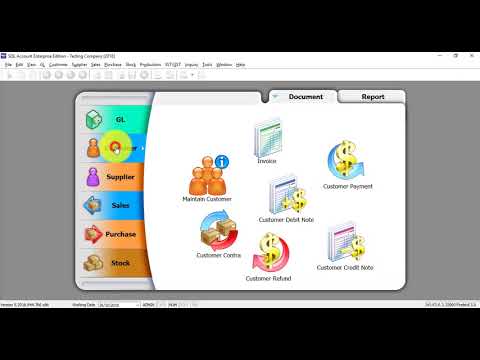
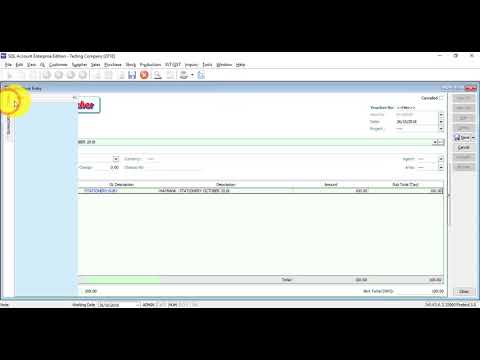
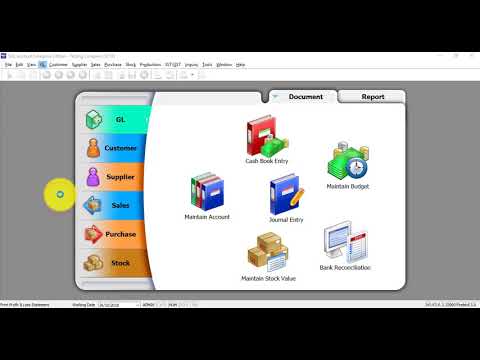
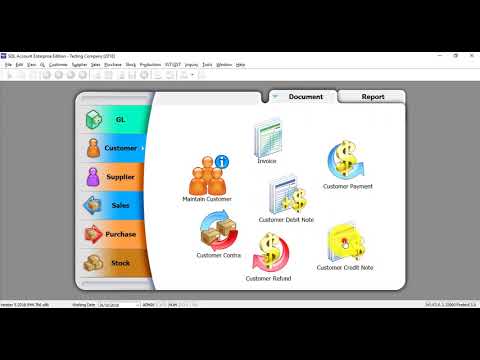
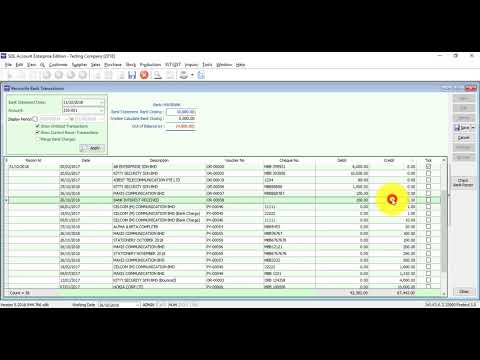
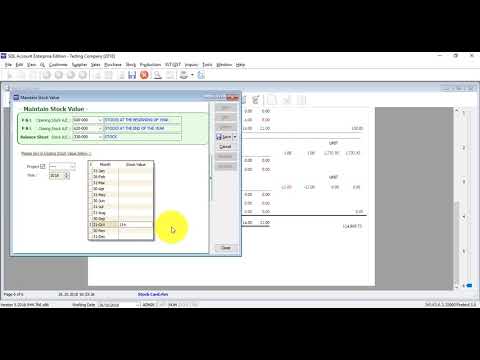
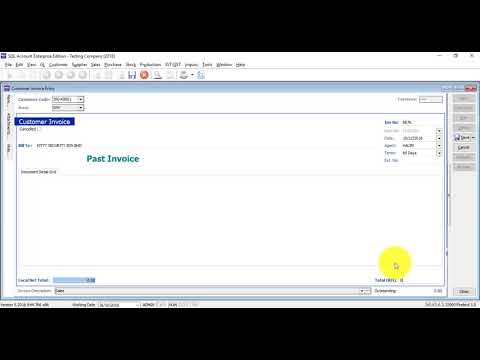
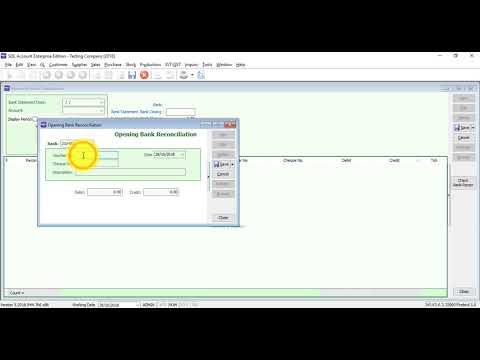
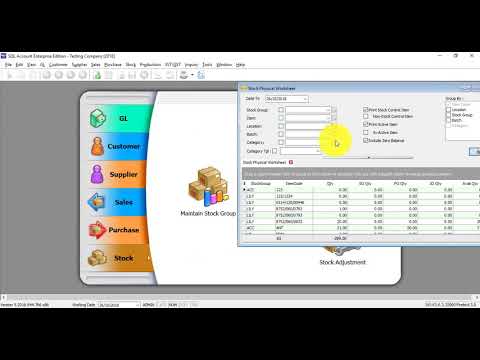
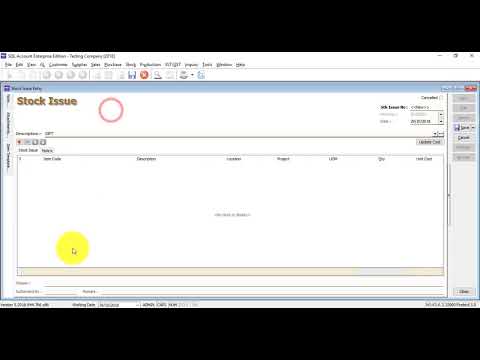
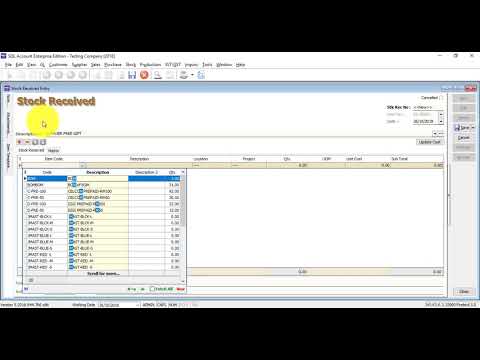
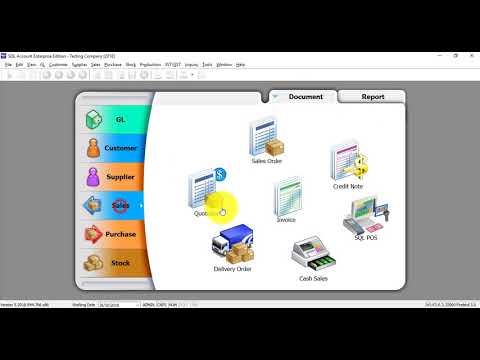
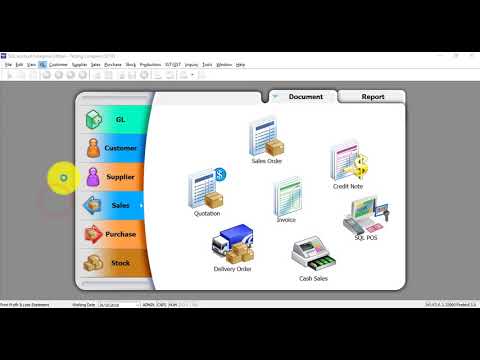
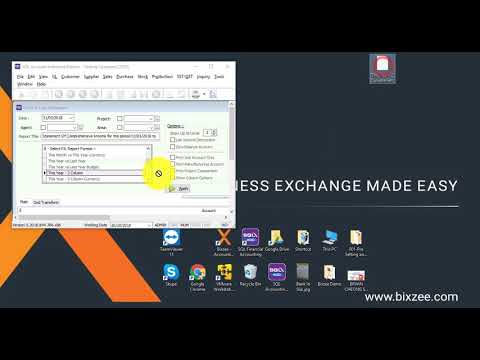
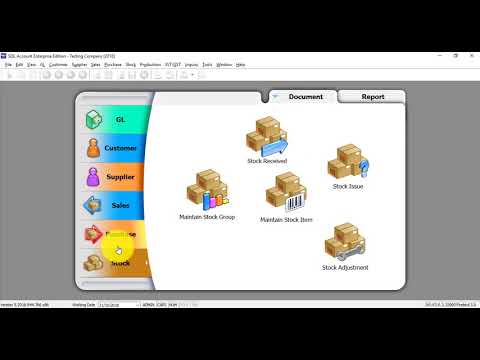
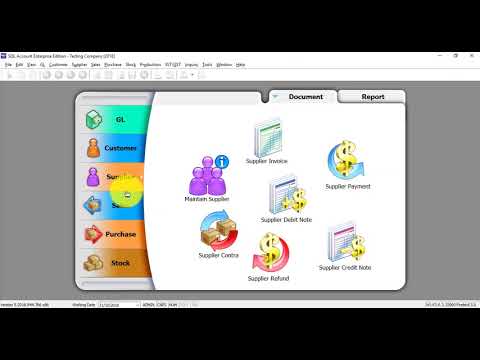
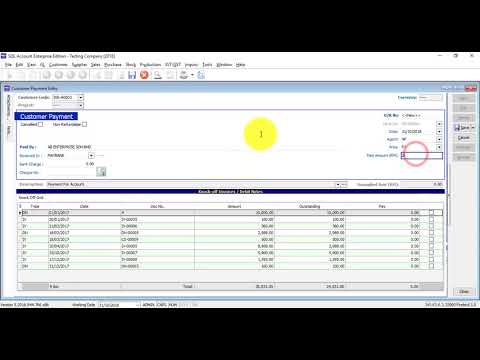
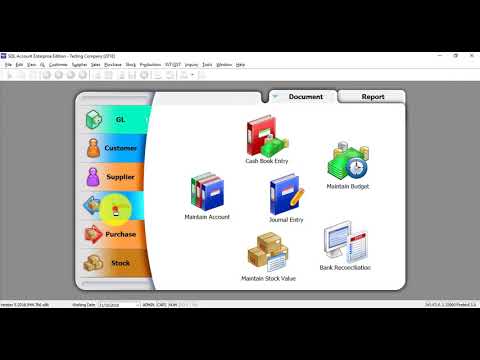
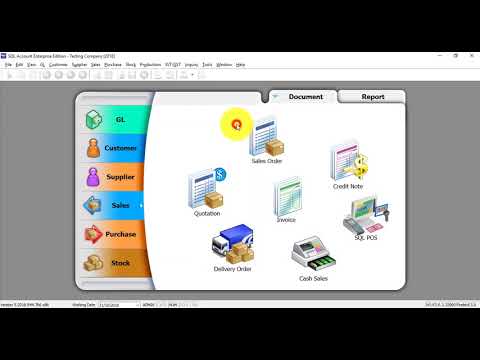
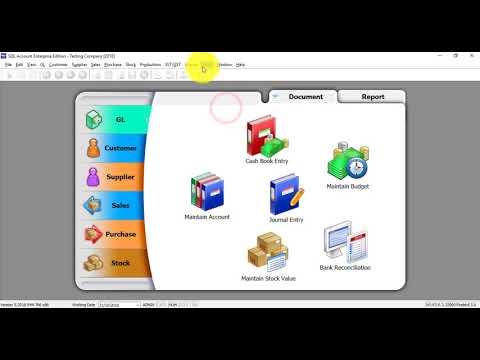
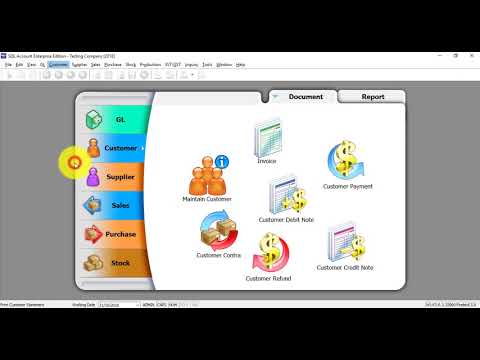
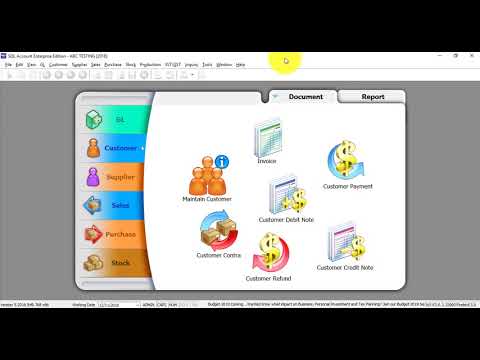
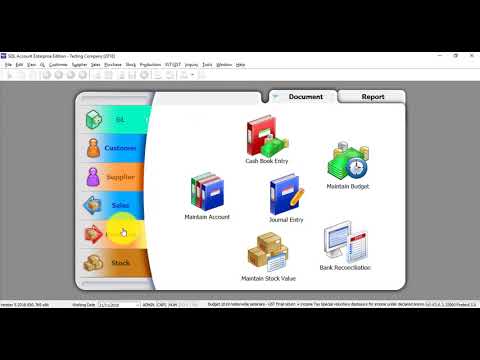
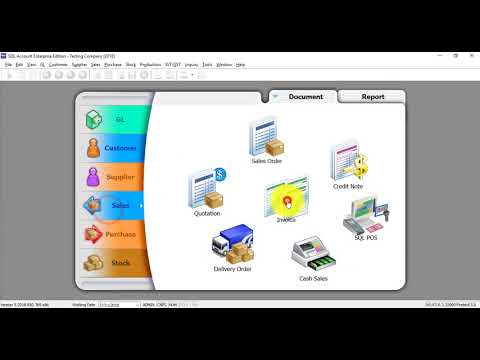
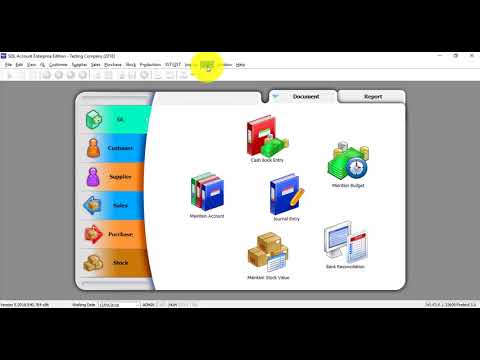
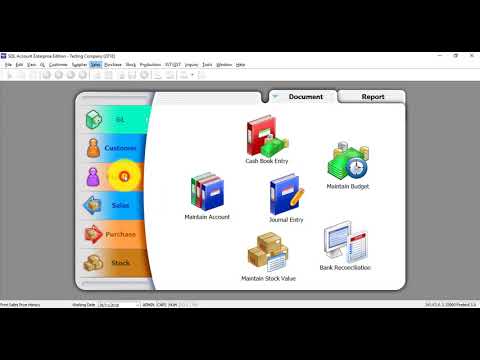
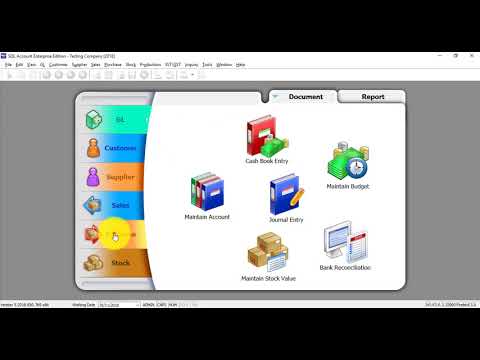
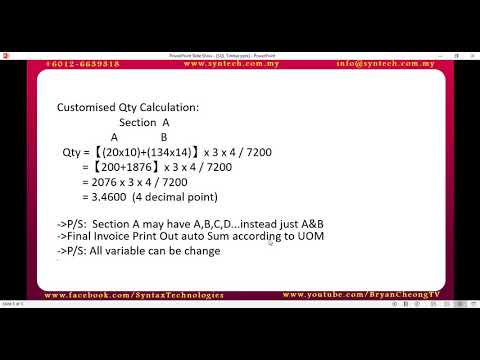
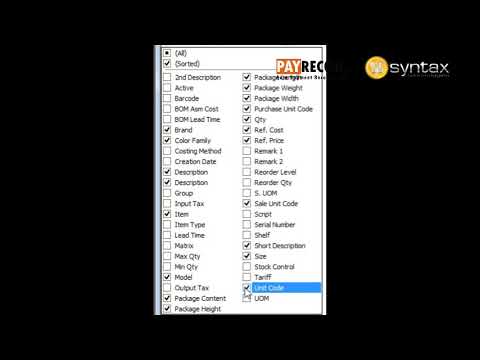
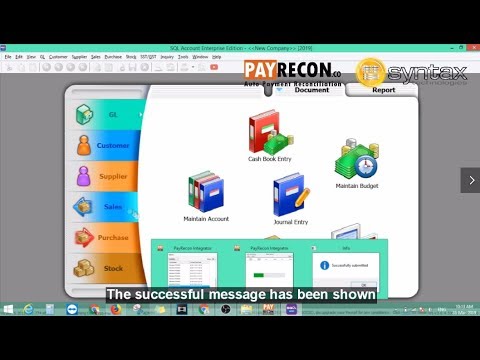
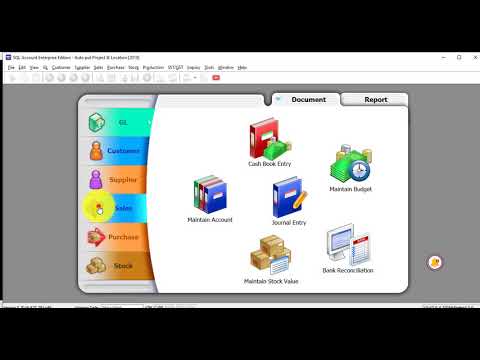
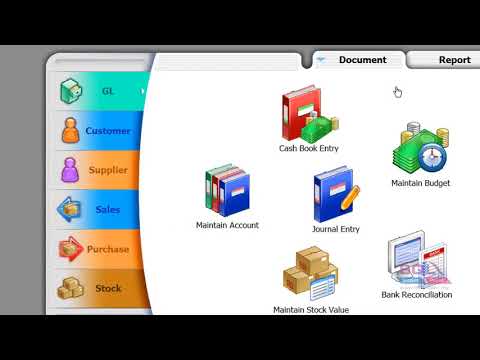
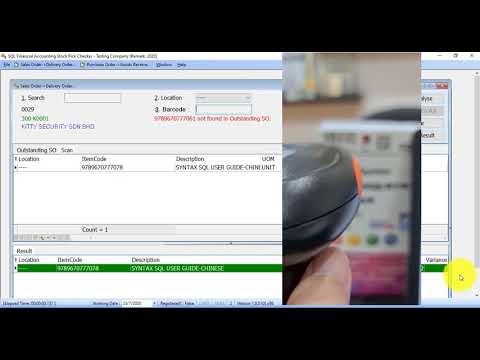
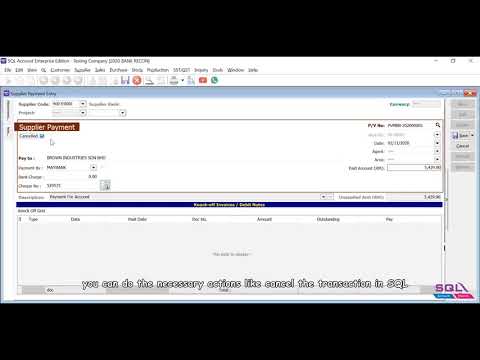
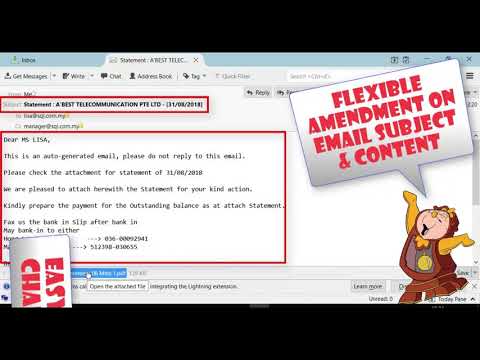
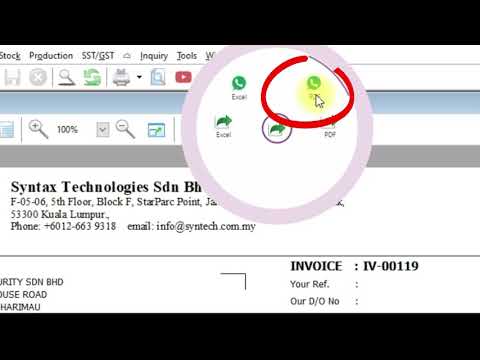
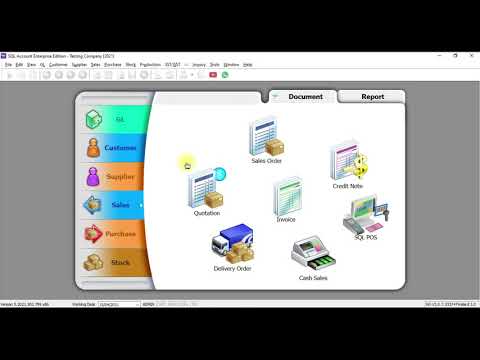
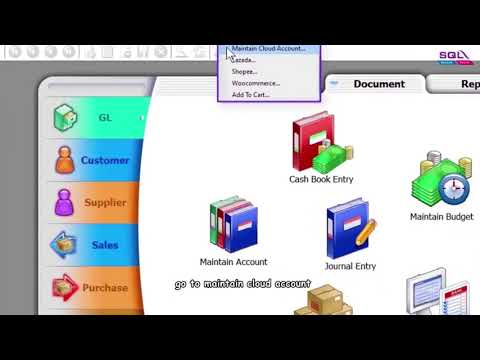
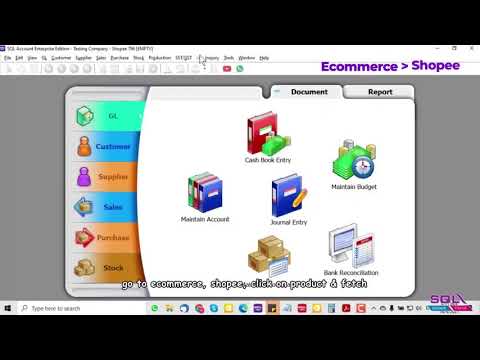
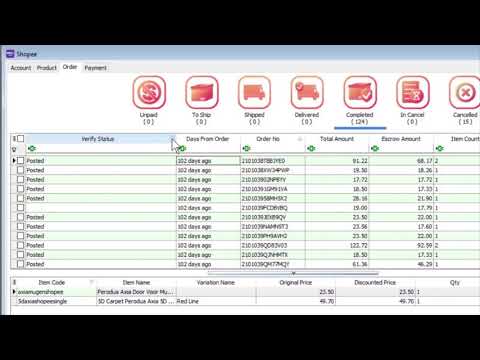
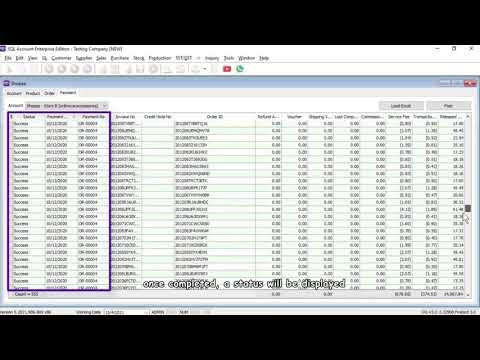
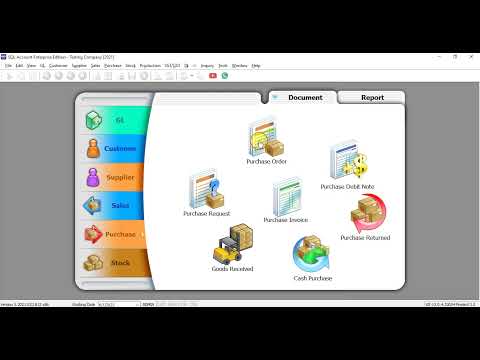
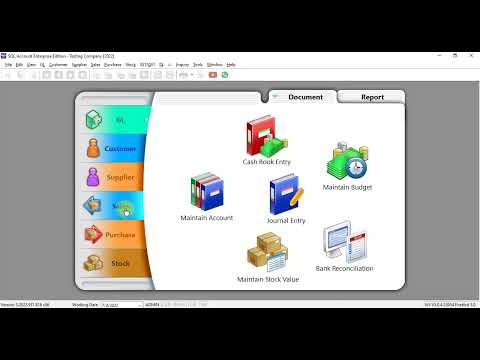
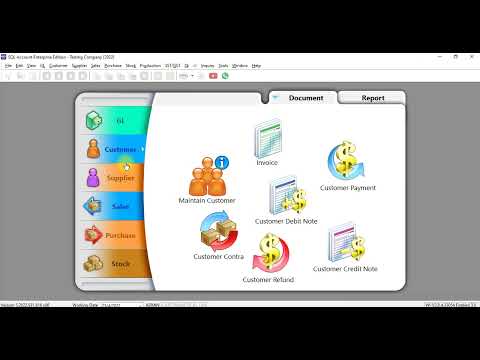
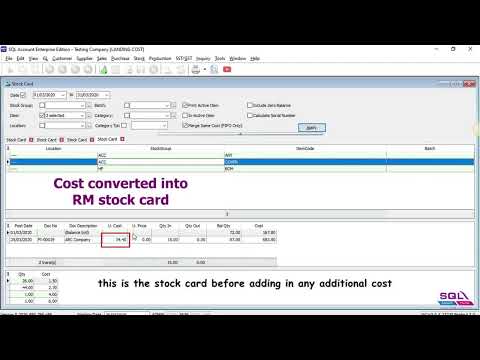
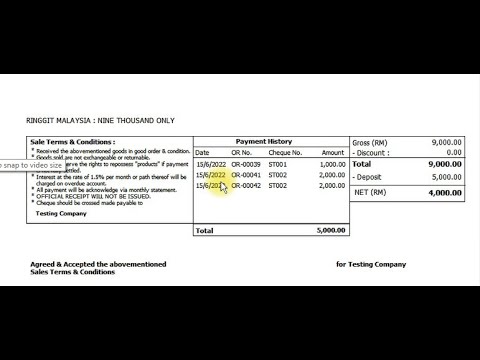
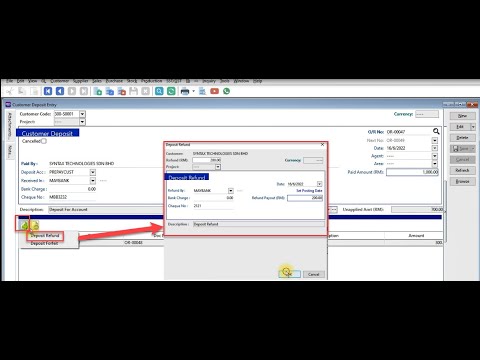
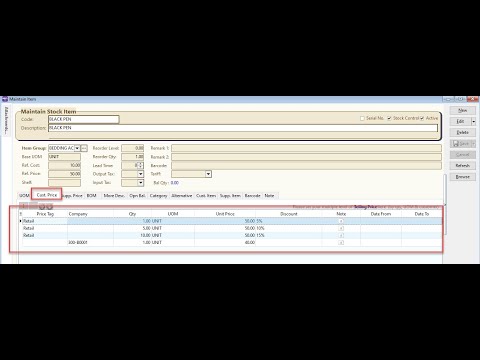
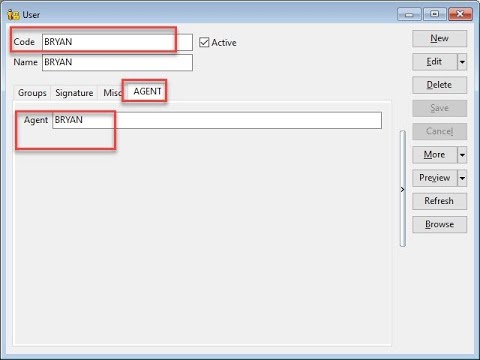
Learn SQL Accounting with Syntax’s free video guides and resources. Use the topic filter below to find installation, backup, sales, purchasing, customer, supplier, general-ledger and stock tutorials. Each video covers a specific task; check your version and practise in a testing company before changing live records.
A practical SQL software training path
Start safely: understand the company setup, user access and backup/restore process.
Learn daily entries: follow a purchase, sales invoice, receipt and payment from document entry to account balances.
Check stock and reports: review the movements, quantities and reports relevant to your business.
Prepare month-end checks: agree which balances and exceptions your reviewer checks before closing the period.
Add e-Invoice practice: use our SQL e-Invoice walkthrough to understand submission status and validation review.
Free resources or training for your team?
The videos below are free to access. For instructor-led or company-specific training, ask Syntax about available formats, topics, dates and fees. Agree the training scope and follow-up support in writing. Bring the tasks your staff need to perform and anonymised sample documents.