


根据原帖图文整理,并于2026年10月22日复核 / Based on the original graphics; reviewed 22 October 2026.
中文说明:
SQL Payroll 工作准证到期提醒:HR 如何更有效地管理员工护照与工作准证?
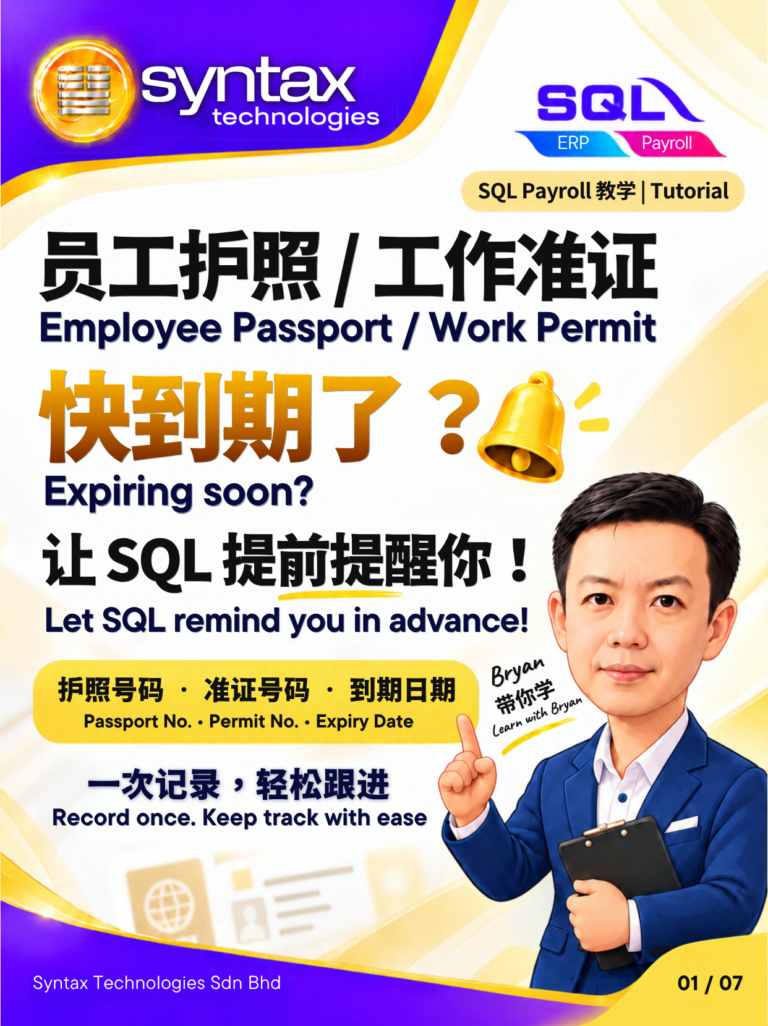
员工的护照或工作准证快到期了,HR 却在最后一刻才发现?对于需要管理员工资料,尤其是聘请外籍员工的企业来说,追踪护照和工作准证的有效期限,是日常 HR 管理中不可忽视的一项工作。
如果公司仍然依靠 Excel、手动记录或定期逐一检查员工资料,不仅容易增加 HR 的工作负担,也可能因为遗漏重要日期而导致续期安排变得仓促。与其等到证件即将到期才开始处理,不如提前做好记录与提醒设置,让 HR 能够更有计划地跟进。
通过 SQL Payroll 的员工资料管理与到期提醒功能,企业可以更有系统地记录相关证件信息,并根据需要设置提前提醒,帮助 HR 更有效地管理员工护照及工作准证的到期日期。
SQL Payroll 如何帮助 HR 管理员工工作准证?
对于聘请外籍员工的企业而言,HR 通常需要处理多项员工资料,包括护照号码、工作准证号码以及相关证件的有效期限。当员工人数增加时,如果缺乏统一的管理方式,追踪每一位员工的证件状态就可能变得更加繁琐。
SQL Payroll 可以协助 HR 整理相关员工资料,并根据系统提供的功能设置证件到期提醒。通过提前掌握即将到期的证件,HR 就能更早安排后续跟进,减少临时检查资料和匆忙处理续期事务的情况。
如何在 SQL Payroll 设置员工护照与工作准证到期提醒?
企业可以根据实际的 HR 管理流程,在 SQL Payroll 中记录员工证件资料,并设置适当的提醒时间。一般可以按照以下步骤进行。
第一步:记录员工护照及工作准证资料
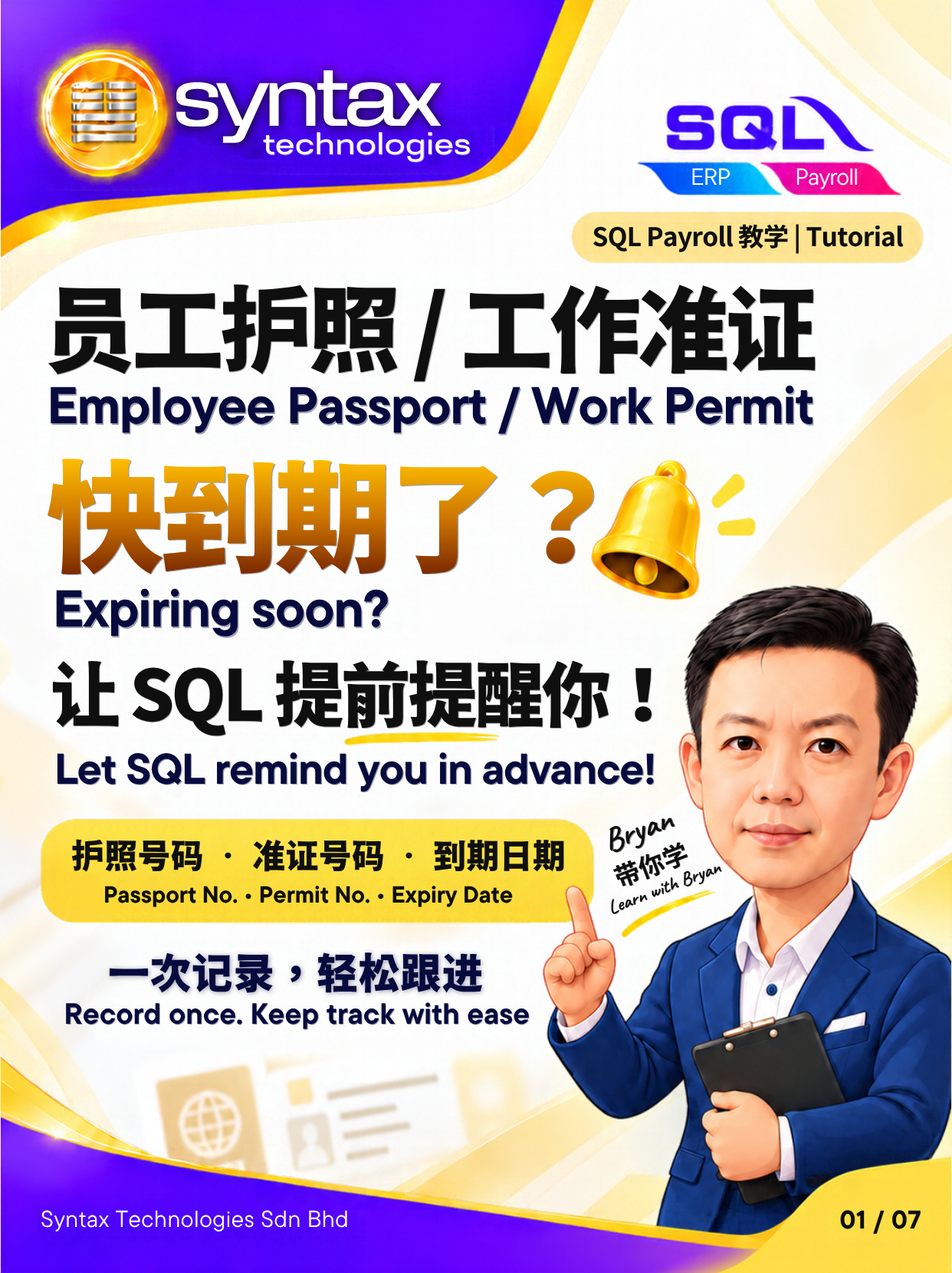
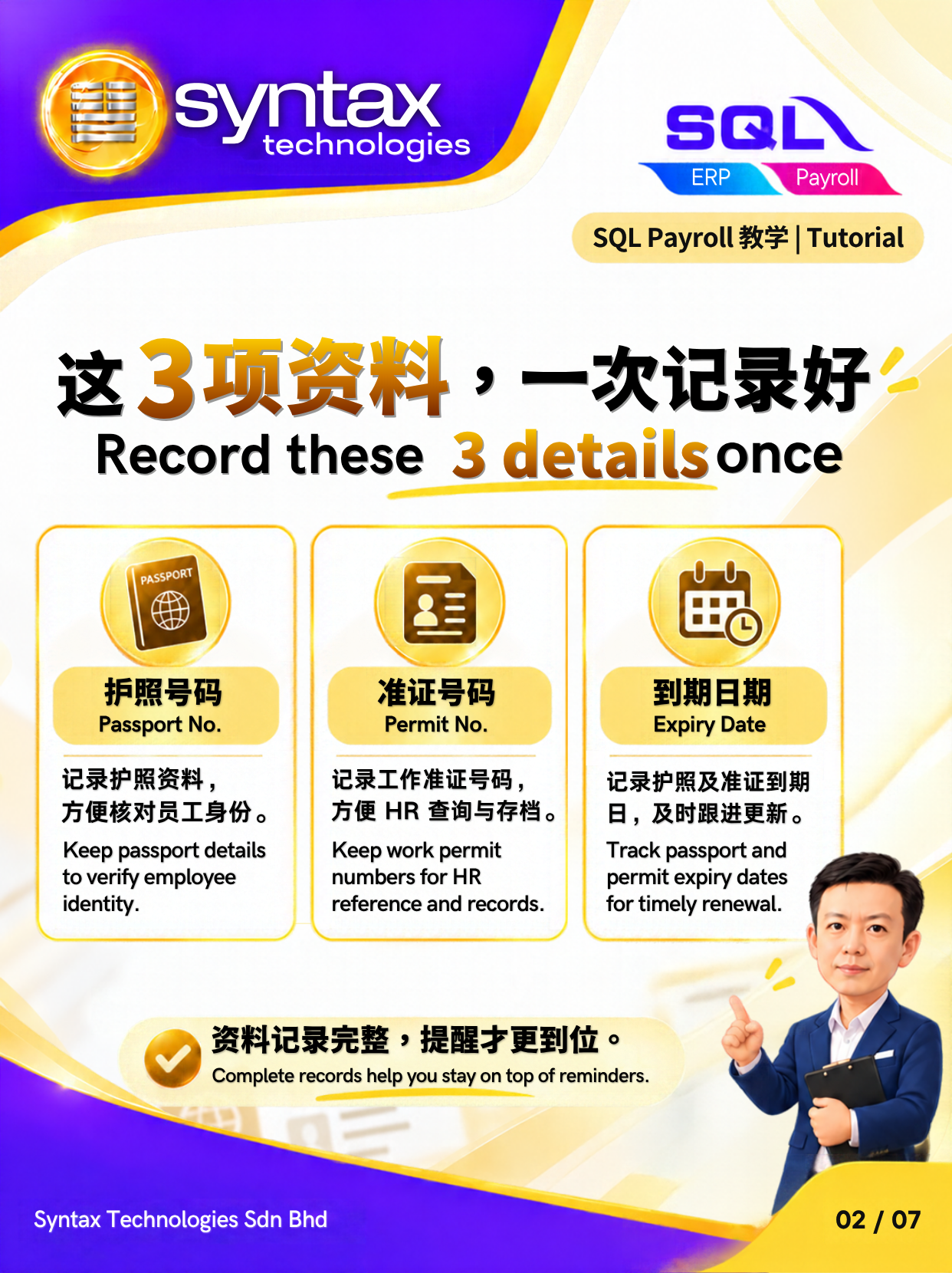
在 SQL Payroll 中,填写相关员工证件信息,包括护照号码、工作准证号码及各自的到期日期。确保资料准确,有助于后续追踪和提醒。
第二步:设置提前提醒时间
根据公司的管理需求,设置证件到期前的提醒时间。例如,可以选择在证件到期前数个月收到提醒,让 HR 有更充裕的时间检查资料,并安排后续续期事宜。
第三步:登入 SQL Payroll 查看到期提醒
完成相关设置后,HR 可以在登入 SQL Payroll 时查看系统显示的到期提醒,并及时跟进需要处理的员工证件资料。
通过这样的管理方式,HR 不必完全依赖人工记忆或临时检查,也能更有条理地掌握员工证件的到期情况。
实际操作步骤与可设置的提醒选项,需以所使用的 SQL Payroll 版本及系统配置为准。
为什么 HR 应该提前追踪员工工作准证到期日期?
对于马来西亚聘请外籍员工的企业来说,及时追踪员工工作准证和护照的有效期限,是日常人力资源管理的重要环节。如果等到证件即将到期才开始处理,可能会压缩准备资料和安排续期的时间。
建立完善的到期提醒流程,可以帮助 HR 提前识别需要跟进的证件、安排相关行政工作,并更有系统地维护员工记录。这不仅有助于减少重复检查的工作,也能让 HR 将更多时间投入其他重要的人力资源事务。
不过,到期提醒只是协助 HR 管理日期的工具,并不能取代实际的证件检查。企业仍应根据相关主管机关的最新规定,确认续期条件、所需文件及适用期限,并确保及时采取必要行动。
SQL Payroll:让员工资料管理更有系统
有效的 HR 管理不只是处理薪资,也包括员工资料维护、重要日期追踪及日常行政工作的安排。
善用 SQL Payroll 的员工资料管理与证件到期提醒功能,可以帮助 HR 更清楚地掌握员工护照和工作准证的到期情况,提早规划跟进工作,并减少最后一刻才发现问题的情况。
如果你想了解如何在 SQL Payroll 设置员工护照与工作准证到期提醒,可以参考 Bryan 制作的七张中英双语教学图,跟着步骤了解相关设置。
English:
SQL Payroll Work Permit Expiry Reminder: Help HR Track Employee Passports and Work Permits
Managing employee passport and work permit expiry dates can be a challenging task for HR teams, especially when a company employs multiple foreign workers. Missing an important expiry date may lead to last-minute renewal arrangements, additional administrative pressure, and potential compliance concerns. Instead of relying on manual tracking or waiting until a document is about to expire, HR can use SQL Payroll to organise employee information and set up advance expiry reminders.
Simplify Employee Work Permit Management with SQL Payroll
Keeping track of employee documents is an important part of HR administration. Details such as passport numbers, work permit numbers, and expiry dates need to be recorded accurately so that HR can follow up on renewals at the appropriate time.
With SQL Payroll, HR can record relevant employee document details and configure expiry reminders to support better tracking. By setting reminders in advance, HR personnel can identify upcoming expiries earlier and plan the necessary follow-up actions instead of rushing to resolve issues at the last minute.
How to Set Up Employee Passport and Work Permit Expiry Reminders in SQL Payroll
SQL Payroll provides a more organised way to monitor employee document expiry dates. HR can follow these general steps to get started:
Step 1: Record employee document details
Enter the relevant employee information, including passport numbers, work permit numbers, and their respective expiry dates, according to the available fields in SQL Payroll.
Step 2: Configure advance reminders
Set the reminder period according to your company’s HR procedures. For example, HR may choose to receive reminders several months before a passport or work permit expires, allowing sufficient time to review the requirements and arrange renewals.
Step 3: Check expiry reminders in SQL Payroll
When HR logs in to SQL Payroll, the system can display configured expiry reminders for follow-up. This helps HR identify documents that require attention and manage upcoming renewals more systematically.
The exact setup and available reminder options may depend on the SQL Payroll version and configuration.
Why HR Should Track Employee Work Permit Expiry Dates Early
For companies employing foreign workers in Malaysia, monitoring employee work permits and passport validity is an essential part of HR administration. Leaving renewals until the last minute can create unnecessary pressure for both HR and employees.
A structured reminder process helps HR monitor important dates, organise renewal follow-ups, and maintain better employee records. It also reduces dependence on manual checking and helps the HR team manage recurring administrative tasks more efficiently.
However, reminders should be treated as a support tool rather than a replacement for regular document verification. HR should still confirm the latest renewal requirements, applicable deadlines, and relevant procedures with the appropriate authorities.
Improve HR Efficiency with SQL Payroll
Effective HR management is not only about processing salaries. It also involves maintaining employee records, monitoring important dates, and ensuring that administrative tasks are handled on time.
By making use of SQL Payroll’s employee document tracking and expiry reminder features, HR teams can improve visibility over upcoming passport and work permit expiries and plan their follow-up activities more effectively.
Follow the seven-image bilingual tutorial featuring Bryan to learn how to configure the relevant settings in SQL Payroll.
阅读原图时请注意 / Reading the original graphics:
建议 HR 定期检查员工证件资料,确保护照号码、工作准证号码及到期日期准确无误,并及时跟进需要更新的文件。 提前做好记录与提醒设置,可以让日常人事管理更加轻松、高效。
想了解更多 SQL Payroll、SQL Payroll Cloud 及 SQL Accounting Software 的实用教学?欢迎关注 Syntax Technologies,获取更多适合马来西亚企业的 HR 与会计软件操作指南。
如需 SQL Payroll 设置协助或软件咨询,欢迎联系 Syntax Technologies Sdn Bhd。
HR is encouraged to review employee document records regularly to ensure that passport numbers, work permit numbers and expiry dates are accurate and up to date. Any documents requiring renewal should be followed up promptly. By maintaining accurate records and configuring advance reminders, HR can make daily human resource management more organised and efficient.
Looking for more practical tutorials on SQL Payroll, SQL Payroll Cloud and SQL Accounting Software? Follow Syntax Technologies for more HR and accounting software guides tailored to Malaysian businesses.
For assistance with SQL Payroll setup or software enquiries, please contact Syntax Technologies Sdn Bhd.
官方来源 / Official sources: SQL Payroll software-Work Permit Expiry Reminder
原帖图解 / Original graphics
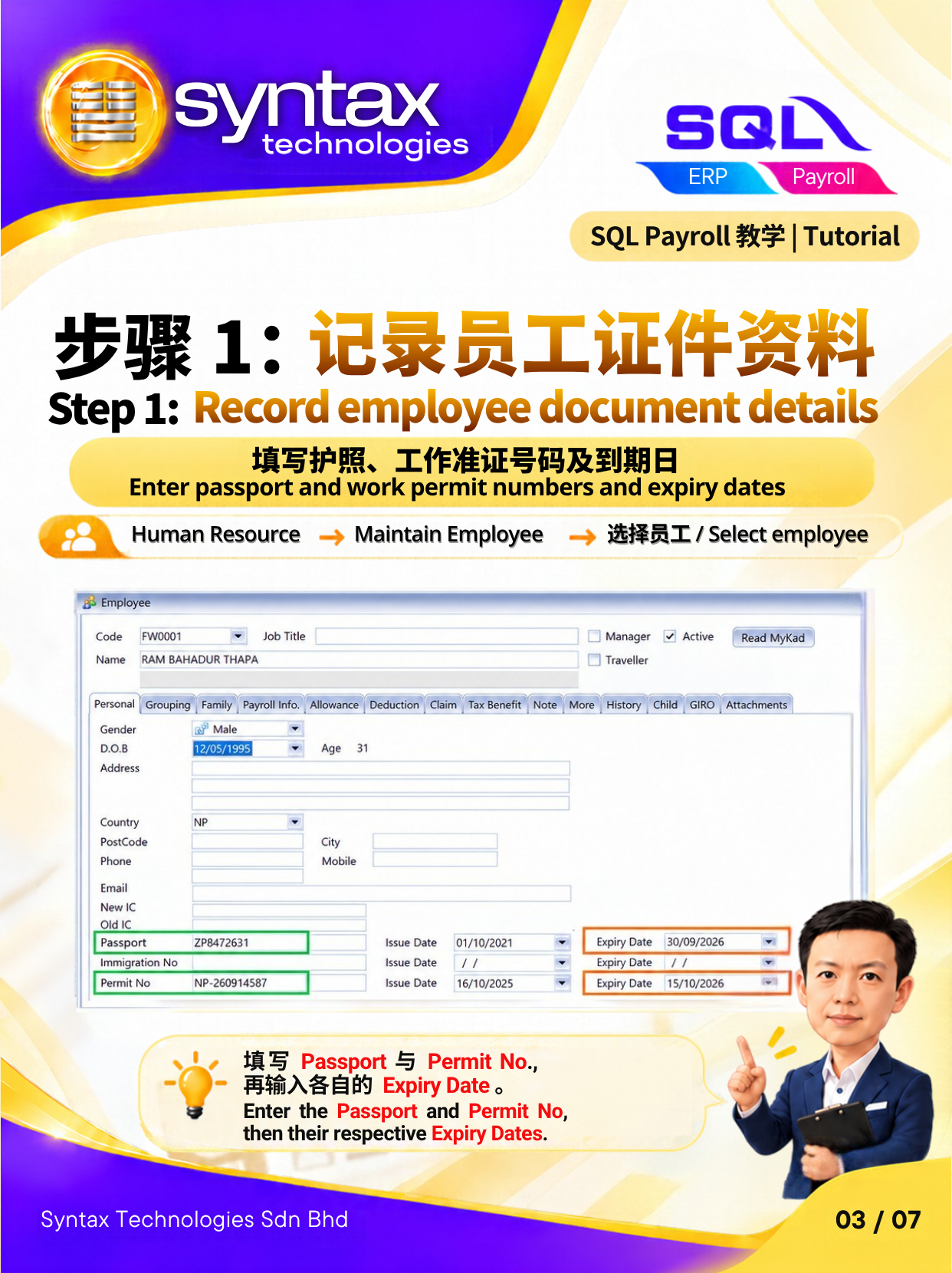
步骤 1:记录员工证件资料/Step 1: Record employee document details
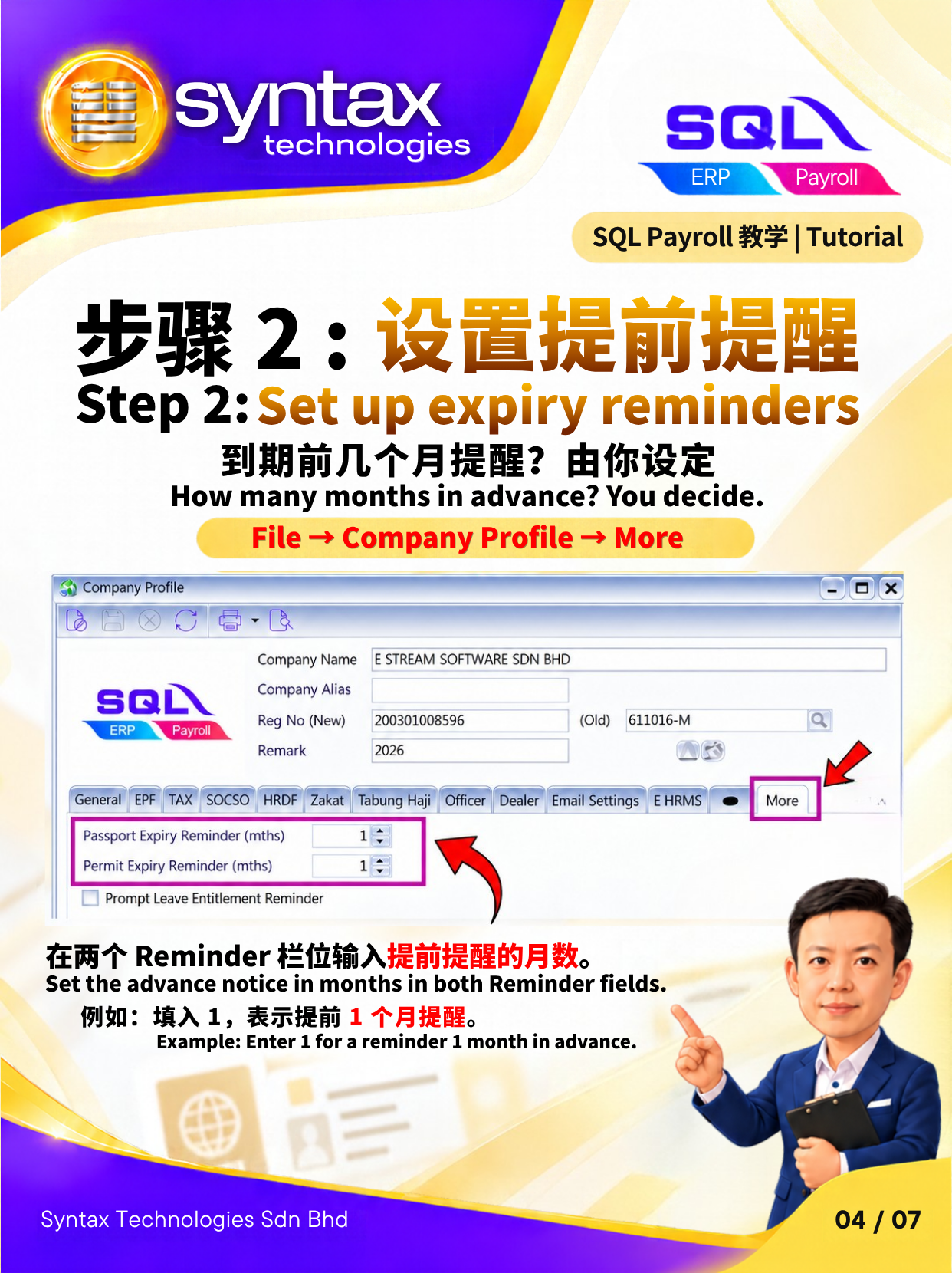
步骤 2 : 设置提前提醒/Step 2: Set up expiry reminders
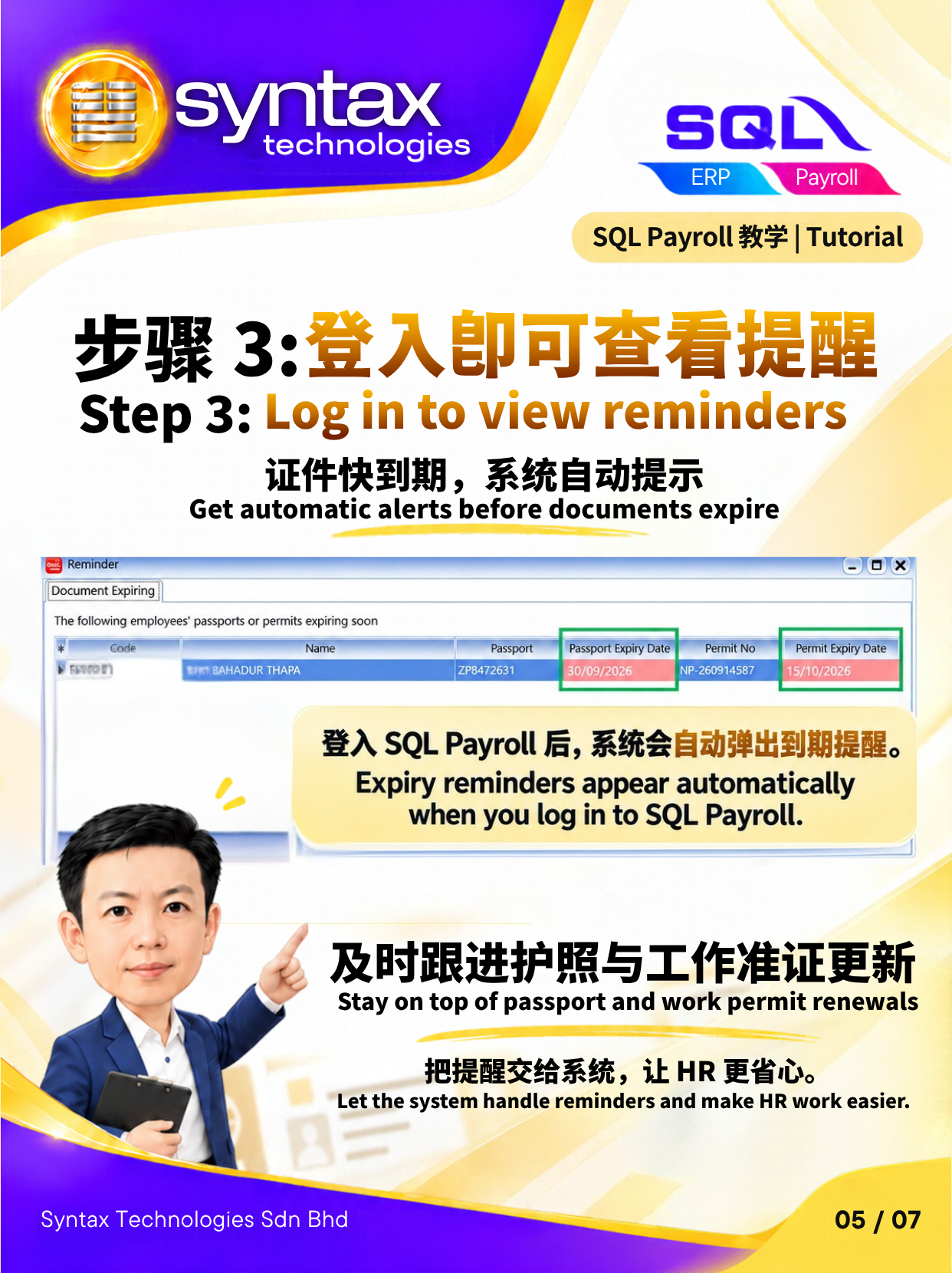
步骤 3: 登入即可查看提醒/Step 3: Log in to view reminders
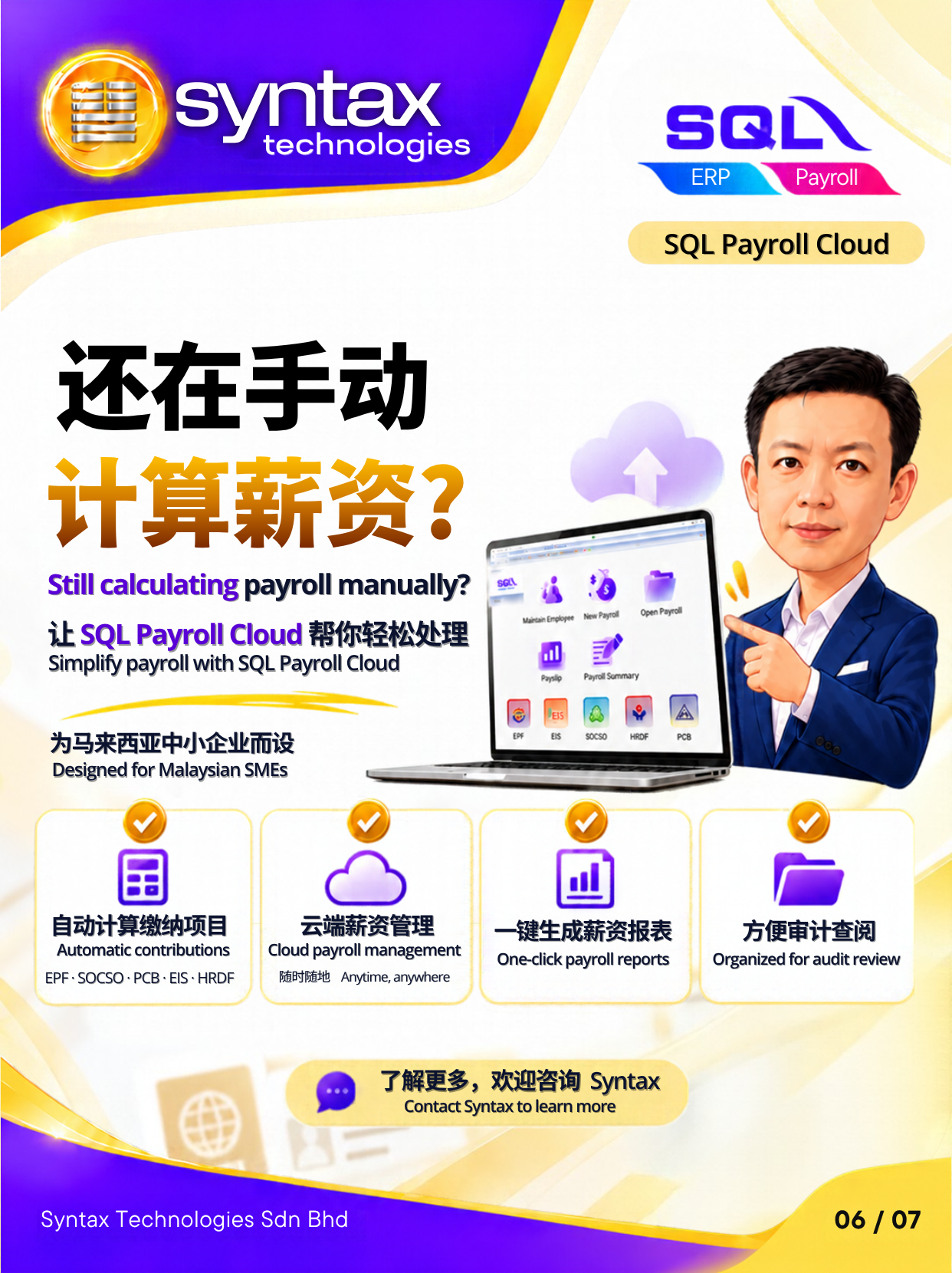
联系 Syntax / Contact Syntax
需要 SQL Accounting 或 SQL Payroll 操作、培训或技术支持?联系 Syntax Technologies,说明您的业务需求。For SQL Accounting or SQL Payroll sales, training and technical support, contact our team with your requirements.