


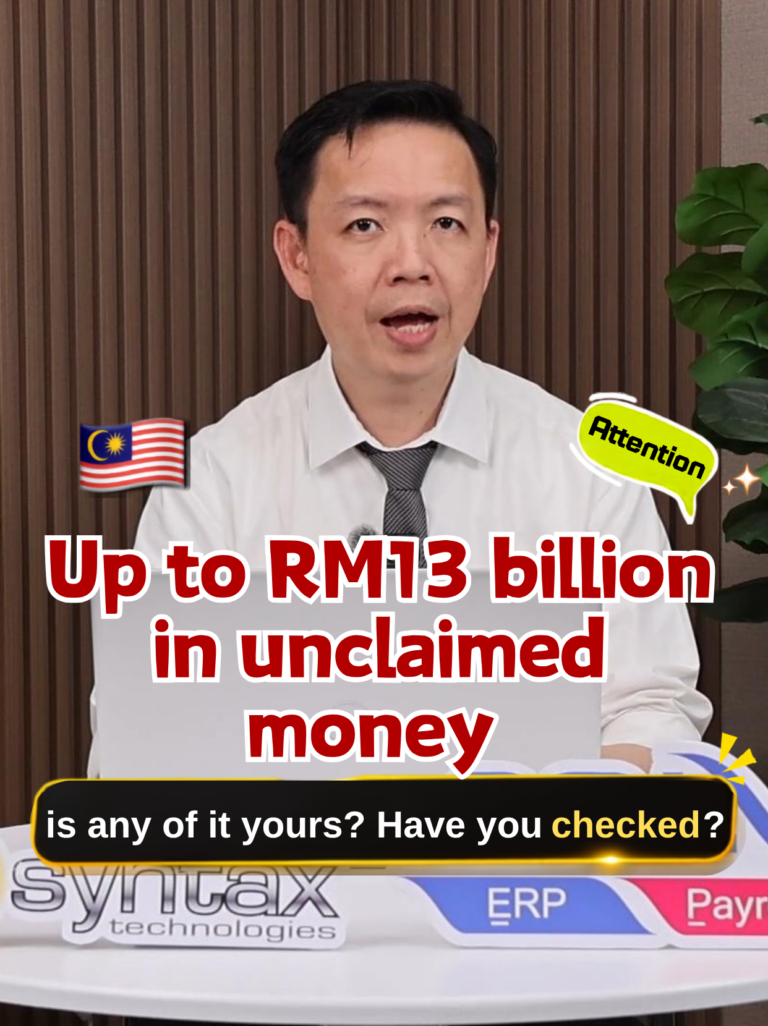
A written companion to Bryan Cheong’s original video or pictures. Updated by Syntax Technologies on 28 September 2026.
To check unclaimed money in Malaysia, use the official eGUMIS portal, register or log in, and search using your identification number. Review any matching records before starting a claim.
In this video, Bryan Cheong introduces Wang Tak Dituntut (WTD) and demonstrates registration and searching. The RM13 billion figure refers to the amount cited in the video; it is not a live total or an indication that every viewer has money to claim.
What is unclaimed money?
Unclaimed money can include balances or payments that remain uncollected and are transferred under the applicable rules. Bryan discusses inactive savings accounts, matured fixed deposits without automatic renewal, and outstanding utility deposits or refunds.
These are examples, not a rule that every unused account or overdue refund immediately becomes WTD. If you are unsure about a particular balance, ask the original bank or company whether it has been submitted to the Registrar.
Step 1: Register through the official eGUMIS website
Open egumis.anm.gov.my and choose Pendaftaran. In the video, Bryan enters the applicant’s full name as shown on the identification document, identification details, email address and chosen username. Read the declarations and complete the registration steps shown by the portal.
Use an email address you can access. The demonstration shows a registration email containing the username and a temporary password.
Step 2: Complete your first login and profile
Select Log Masuk. Follow the account setup instructions, change the temporary password when prompted, and complete your contact details, including address and telephone number. Select Simpan to save.
Portal screens may change. Follow the current instructions on the official website and keep your sign-in details private.
Step 3: Search using your identification number
From Ringkasan, open Carian Wang Tak Dituntut. Enter the identification number carefully and click Cari. Review the records displayed, including the institution and amount, where available.
Bryan’s demonstration shows a limit of two searches per day. Check the limit displayed in your current session and prepare the correct identification details before searching.
Step 4: Understand the result and prepare a claim
A matching record is the start of the process. You still need to confirm your entitlement, prepare supporting documents and submit a claim. Continue with our step-by-step eGUMIS claim guide, based on Bryan’s follow-up video.
If no record appears but you believe money is outstanding, JANM advises checking with the institution concerned about whether the money has been submitted. The online search should not be treated as a complete record of every unpaid balance. Read the official eGUMIS FAQ.
Frequently asked questions
Do I need to pay someone to search?
No. JANM states that eGUMIS searches and claims are free and that it has not appointed claim agents. Use the official portal directly.
Will a successful search automatically return the money?
No. Searching and claiming are separate stages. Payment follows the applicable verification and approval process.
Where can I find the Chinese explanation?
Sources: Bryan Cheong’s embedded registration and search video; JANM eGUMIS FAQ; official eGUMIS portal. Claim-specific questions should be directed to JANM.
Need help with SQL Accounting or SQL Payroll?
Syntax Technologies provides software sales, training and support. Contact 012-663 9318 or info@syntech.com.my with your software version and the reports or workflow you need help with.