



LHDN e Invoice Mandatory Fields Setup in SQL Accounting System
The 3 Initial Steps to start e-Invoice with SQL Accounting System
Step 2 of 3
This video will show you step by step LHDN e Invoice Mandatory Fields Setup in SQL Accounting System.
The 3 Initial Steps to start e-Invoice with SQL Accounting System
Step 2 of 3
This video will show you step by step LHDN e Invoice Mandatory Fields Setup in SQL Accounting System.

The 3 Initial Steps to start e-Invoice with SQL Accounting System
Step 1 of 3
In this video, we will show you step by step guide on How to Register in MyInvois Portal and set SQL Accounting System as your e-Invoice ERP.
Bryan Cheong will guide you on the setting in SQL Accounting if your company involve in SST Service Tax for:
1)Increase to 8%
2)Remain at 6%
3)Include 6% and 8%

Before you start to use SQL Accounting Software, there are 2 compulsory setting, we have discussed the first, which is the Regional Setting. The second one is open a Windows Firewall Port with Port Number “3050” for SQL Accounting Software. Let us check out, how it can be done.
This is a common error while using SQL Accounting Software. The reason for it is user did not do the initial setting correctly. There are 2 compulsory setting before using SQL Accounting Software. The first one is Regional Setting, which is also the solution for this error.

Supplier Invoice with Supplier Refund. Possible?

In this video, Bryan Cheong will show you how to add “Payment By” Account in SQL Accounting Software Payment Voucher. The same concept can be applied to Supplier Payment, and also “Received In” field in Customer Payment/Cash Book Official Receipt.

SQL Accounting Software Customisation – Customer Payment Receipt Show Outstanding
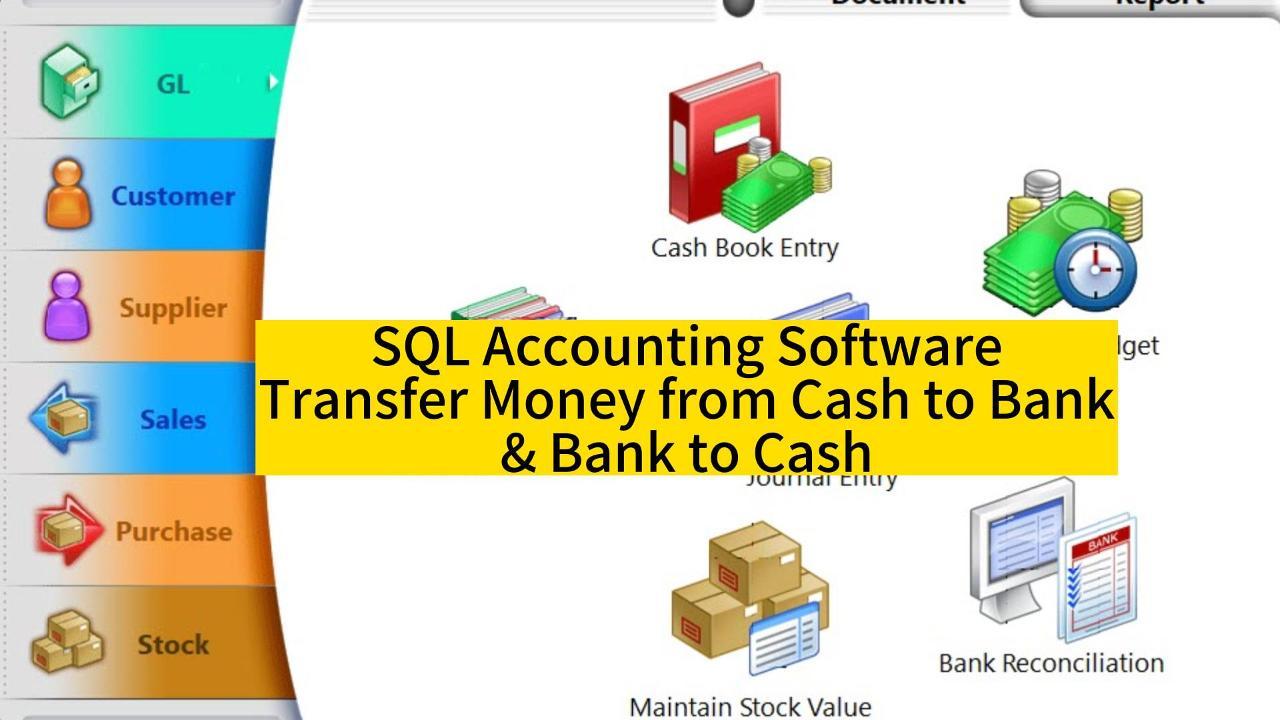
SQL Accounting Software – Transfer money from cash to bank and bank to cash

SQL Accounting Software Advance Technique– A x B = Quantity Customisation In normal situation, we just need to key in the quantity of an item